

A Corporate Photography Brief: Shot Lists, Usage and Deliverables
Plan a corporate image library around real uses, essential shots, participant preparation, agreed permissions and a clear file handover.
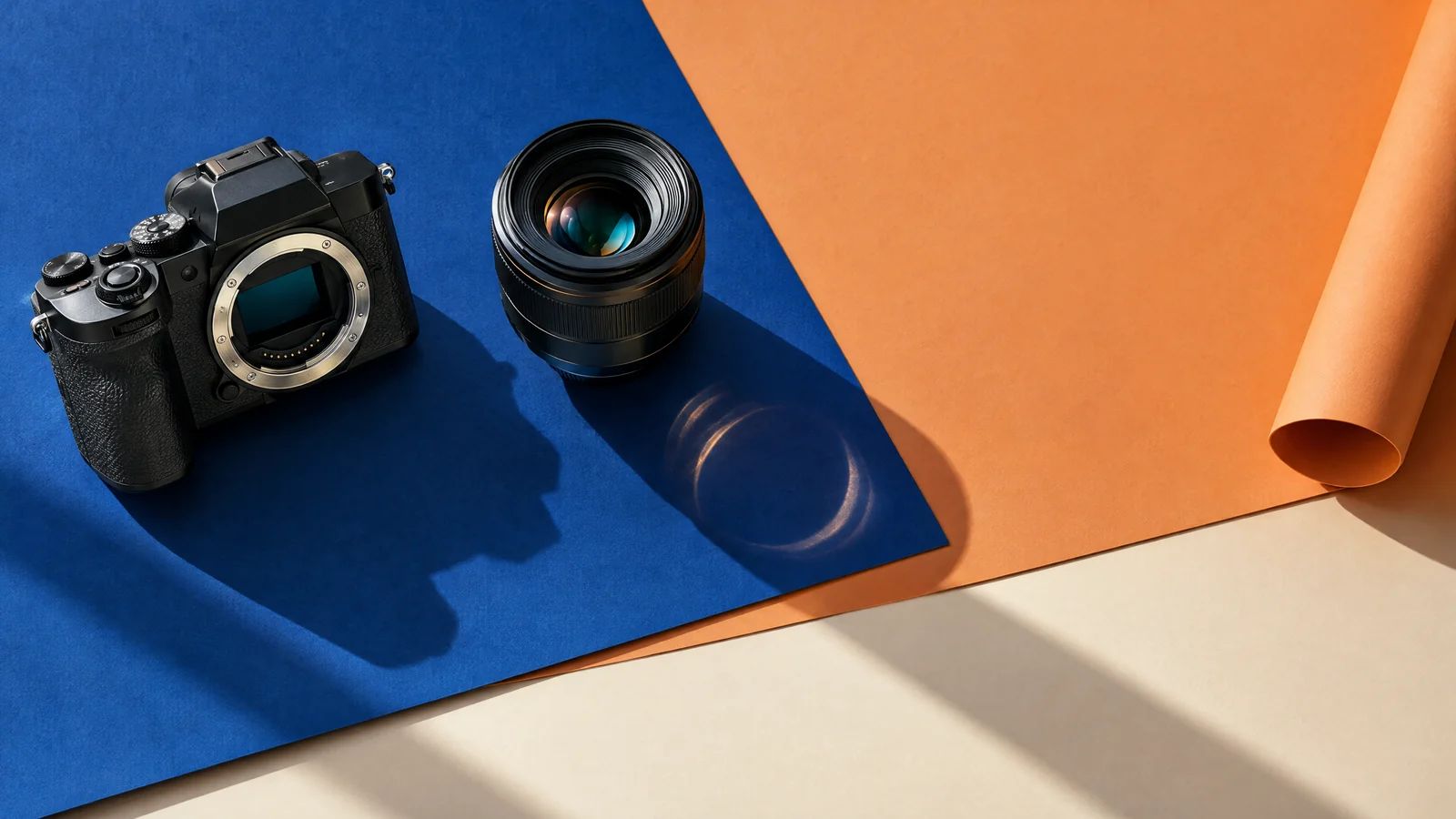
- Give every essential image a use, subject and priority in the shot list.
- Prepare people, products and spaces before the shoot, including confidential backgrounds.
- Agree usage, selection, retouching and file delivery in writing.
A useful corporate photography brief states what the images must communicate, where they will appear, which subjects are essential and what files the team needs afterwards. Include usage permissions and an approval owner before booking. These decisions help the photographer plan images that fit real layouts and business needs.
For a Hong Kong business, one photo library may serve a corporate website, recruitment campaign, presentation, brochure and press announcement. Those uses need different crops, levels of detail and permissions. A brief that simply requests “professional company photos” leaves the important choices until the shoot or the design stage.
Start with uses and audiences
List the immediate placements and any agreed future uses. For each, identify the viewer and the image’s job. A leadership portrait introduces a person. A process photograph explains how work happens. A product detail helps someone inspect a material or feature.
Show the photographer relevant page layouts or design references. If a website banner places copy on the left, the composition needs space there. If a recruitment page uses narrow mobile crops, important people and details should remain visible in that shape.
Miracle’s published China State Construction 45th Anniversary Book project includes leadership portraits for the opening messages. It provides a concrete example of photography planned around the accompanying content and page layout.
Separate confirmed needs from possible extras. Prioritising a few essential uses makes it easier to decide what to capture when access, daylight or participant availability is limited.
Build a shot list around decisions
A shot list should describe usable images, rather than only naming rooms or departments. Give each essential shot a subject, purpose, location, priority and person responsible for preparation.
For example, “team collaboration” is broad. A more useful description is “three colleagues discussing an approved sample drawing in the meeting room, with space above them for a recruitment headline”. It explains the action, publication context and practical preparation.
Group the list into manageable sets:
- People: named portraits, team groups and working interactions
- Places: exterior, reception, workspaces and relevant facilities
- Products: complete views, details, scale and intended use
- Brand material: approved signage, packaging and campaign assets
Mark essential shots separately from optional variations. Group subjects by location and setup so people do not wait unnecessarily while equipment moves. Ask the photographer which compositions need additional preparation or a different location.
Agree the visual direction with examples
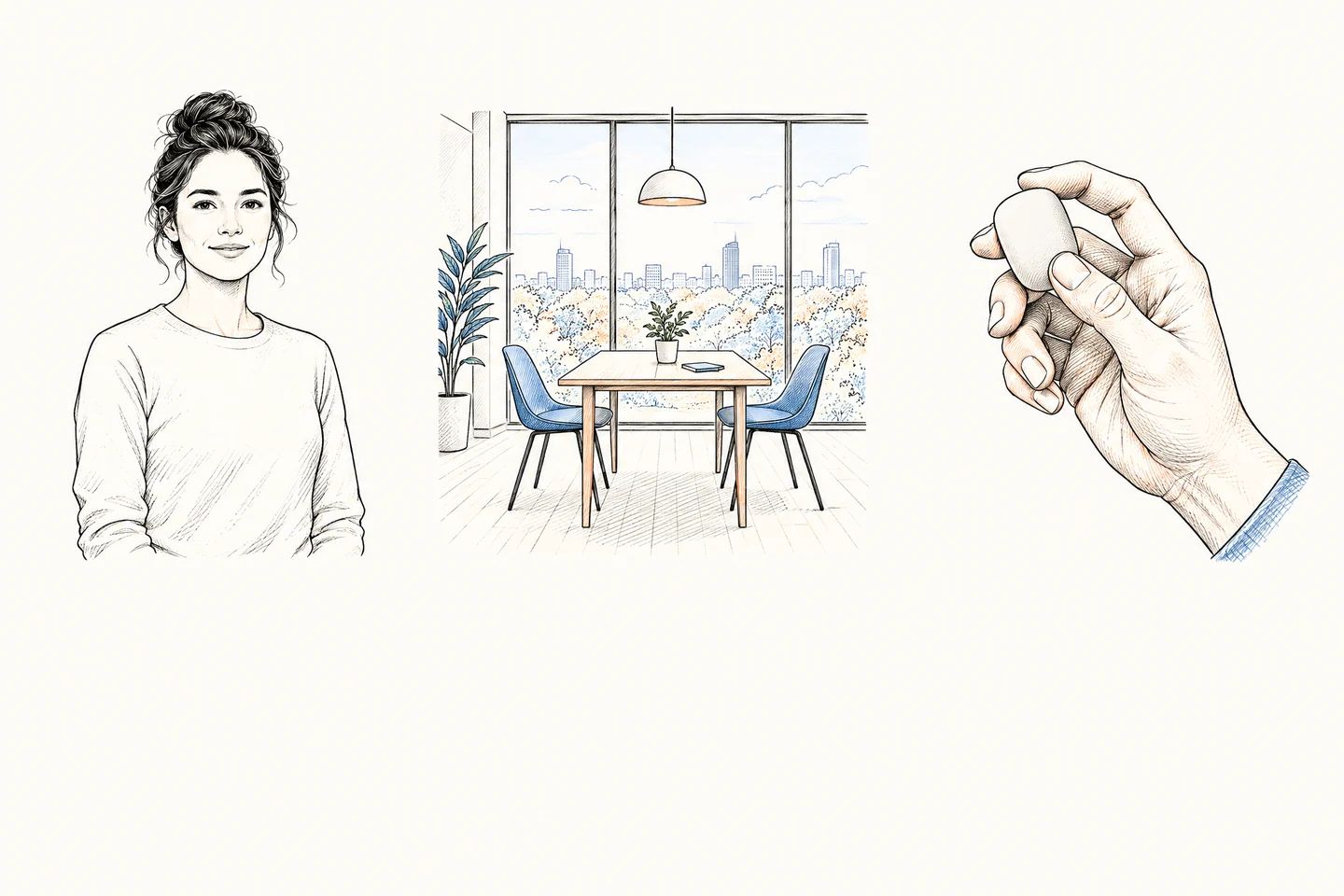
Choose a small set of references and explain what you like about each. Useful notes describe light, background, colour, expression and composition. A reference with a dramatic mood may be unsuitable for an approachable customer-service page, even if everyone likes the image.
Discuss how portraits and workspace photographs should relate to existing brand material. Decide whether the library should feel formal, conversational, technical or product-led. Identify colours and backgrounds that help designers work consistently.
Be clear about representation. Show the people and environments relevant to the brief without making an office appear to have facilities or activities it does not have. Any demonstration should be planned honestly and safely.
Miracle’s photography service covers product, venue and campaign photography. A clear use list gives the art direction a practical starting point.
Prepare people, products and locations
Tell participants when and where they are needed, what to wear and how the photographs will be used. Offer practical guidance rather than requiring everyone to look identical. Check glasses, reflective accessories and highly patterned clothing with the photographer where relevant.
For products, confirm the correct model, approved packaging and required details. Clean surfaces, remove temporary labels and prepare duplicates when available. Include someone who can verify that the product is shown correctly.
For locations, arrange access and a contact who can make decisions on the day. Review visible screens, paperwork, whiteboards, visitor badges and third-party logos. Clear confidential material before the crew arrives. Consider routine operations and safety requirements when planning workplace images.
If the photographs support a launch or roadshow, share the event programme and access constraints too. Coordinate essential photographs with rehearsals and guest activity rather than assuming the room will always be available.
Confirm usage and permissions in writing
Describe who will use the images, on which channels, in which markets and for how long. Include paid advertising, partner distribution or press use if those are required. Ask whether cropping, retouching and adaptation are covered by the agreement.
Copyright ownership and permission to use an image need careful wording. Hong Kong’s Intellectual Property Department explains that ownership of commissioned works depends on the agreement between the parties. Confirm the intended arrangement instead of assuming payment settles every usage question.
Keep participant and location permissions with the brief. Check third-party artwork, signage and materials that will be recognisable. Where rights or personal-data questions are unclear, have the appropriate adviser review them before publication. A production checklist helps organise the discussion; it does not replace advice on a specific legal issue.
Specify the handover before the shoot
Agree the selection and retouching process. Clarify whether the team receives a proof gallery, how final selections are made and which images will be retouched. Describe important requirements such as colour consistency or removing temporary background clutter. Avoid vague instructions to “make everything perfect”.
List required file types, dimensions, colour profiles and crops with the designer or publisher. Web-ready images and print assets can need different exports. Agree naming conventions, delivery location and who keeps the master files.
Confirm whether RAW files or layered working files are included rather than treating them as automatic deliverables. Keep a record of usage restrictions alongside the final library so a future colleague can make informed choices.
Before accepting delivery, check the selected images in their intended layouts. Look for awkward crops, missing essential subjects, incorrect product details and inconsistent colour. A beautiful individual photograph still needs to work where your team will use it.
Preparing a new corporate photo library? Send Miracle your brief with the intended uses, essential subjects, sample layouts and any access or approval requirements.
Frequently asked questions
How many photographs should we request?
Start with the essential placements and subjects, then discuss useful variations. The final quantity depends on those needs and the selection process. A large image count alone does not show whether the library covers your brief.
Do we need separate portrait and workspace sessions?
Sometimes. Portrait setups, access and staff availability may make separate sessions sensible. Ask the photographer to plan around the required images and normal operations.
Should we ask for RAW files?
Only when your team has a defined use for them. Discuss availability, licensing and the difference between unprocessed files and finished photographs. Confirm the agreed deliverables in the proposal.
Can we use the photographs in future campaigns?
Check the usage agreement and participant permissions first. New channels, markets, partners or advertising uses may need a further discussion. Keep those restrictions visible in the image library.
Planning something similar?
Talk to Miracle