Product Specifications on a Small Screen: Plan Useful Website Tables
A specification table should help buyers compare the right details on a phone. Plan units, headers, mobile behaviour and editable fields before squeezing a desktop grid into place.


Ideas & insights
Perspectives on design, technology and storytelling. Explore what’s new and what’s next.
A specification table should help buyers compare the right details on a phone. Plan units, headers, mobile behaviour and editable fields before squeezing a desktop grid into place.
Choose a news-list pattern around what readers need to find, not just how the first screen looks. Define navigation, return behaviour and crawlable routes before development.
Chat, booking, maps and embedded tools can help visitors, but each adds a dependency. Give every widget a clear purpose, owner and acceptance test.
A brand typeface needs more than a font filename. Prepare rights, language coverage, weights and fallback behaviour so the website stays readable and consistent.
A finished film is only part of a website video brief. Agree playback, posters, captions, loading and fallback behaviour before the page is built.
Build an accessibility acceptance pack around complete user journeys, reproducible findings and retest evidence, rather than an unexplained tool score.
Turn your CMS handover into five practical publishing exercises, with a reusable task card, role checks and clear evidence for sign-off.
Decide what to ask, improve the first conversation and test what happens after Send. Includes a worked form redesign, field checklist and reusable team brief.
Choose a delivery format with a capability test, a realistic worked example and a one-page decision brief that includes adoption and operational ownership.
Use a four-way decision framework, a worked content review and a reusable URL register to retire outdated pages without abandoning their readers.
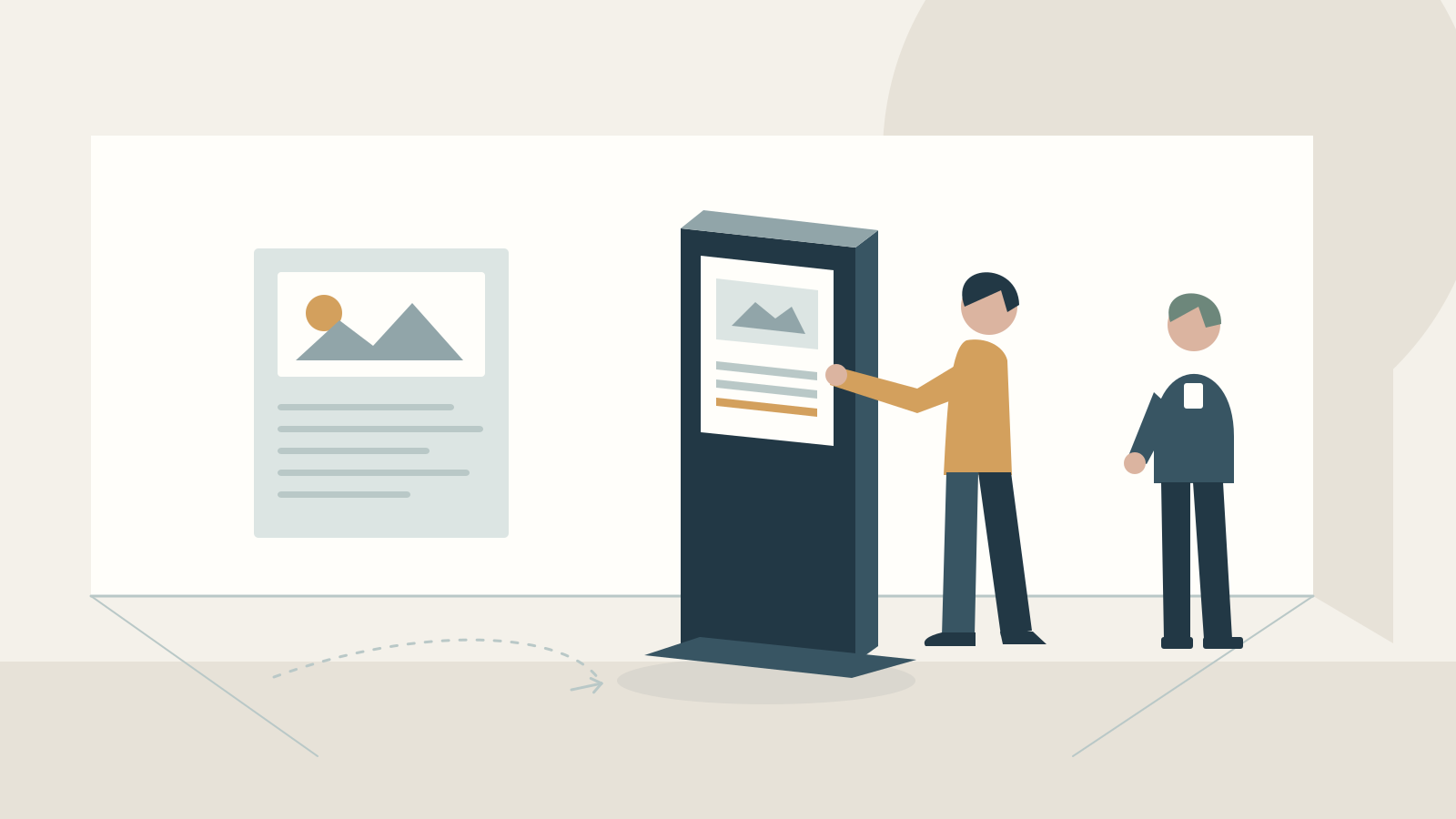
Follow a complete kiosk visit from the first touch to a clean reset, with practical tests for abandonment, offline use, physical accessibility and staff-led recovery.
Turn a contact sheet into an approved image library with placement-based selects, annotated retouching notes, crop tests and a handover record your next designer can use.
12 of 40 articles shown
Articles couldn’t be loaded. or browse the pages below.
No articles match these filters.